

Our Commitment To You And Your Health
Anxiety and depression have become more common issues in the past few years. Some people are still feeling isolated, lonely, and uncertain. Others have become more stressed due to their children being more unbalanced. Many relationships have suffered.
We have a team of counselors ready to help. We use a safe and secure Teletherapy service to provide you with the best research-based mental health care. Don’t wait to get the help you need.
Contact Us Today
What Exactly Is Teletherapy?
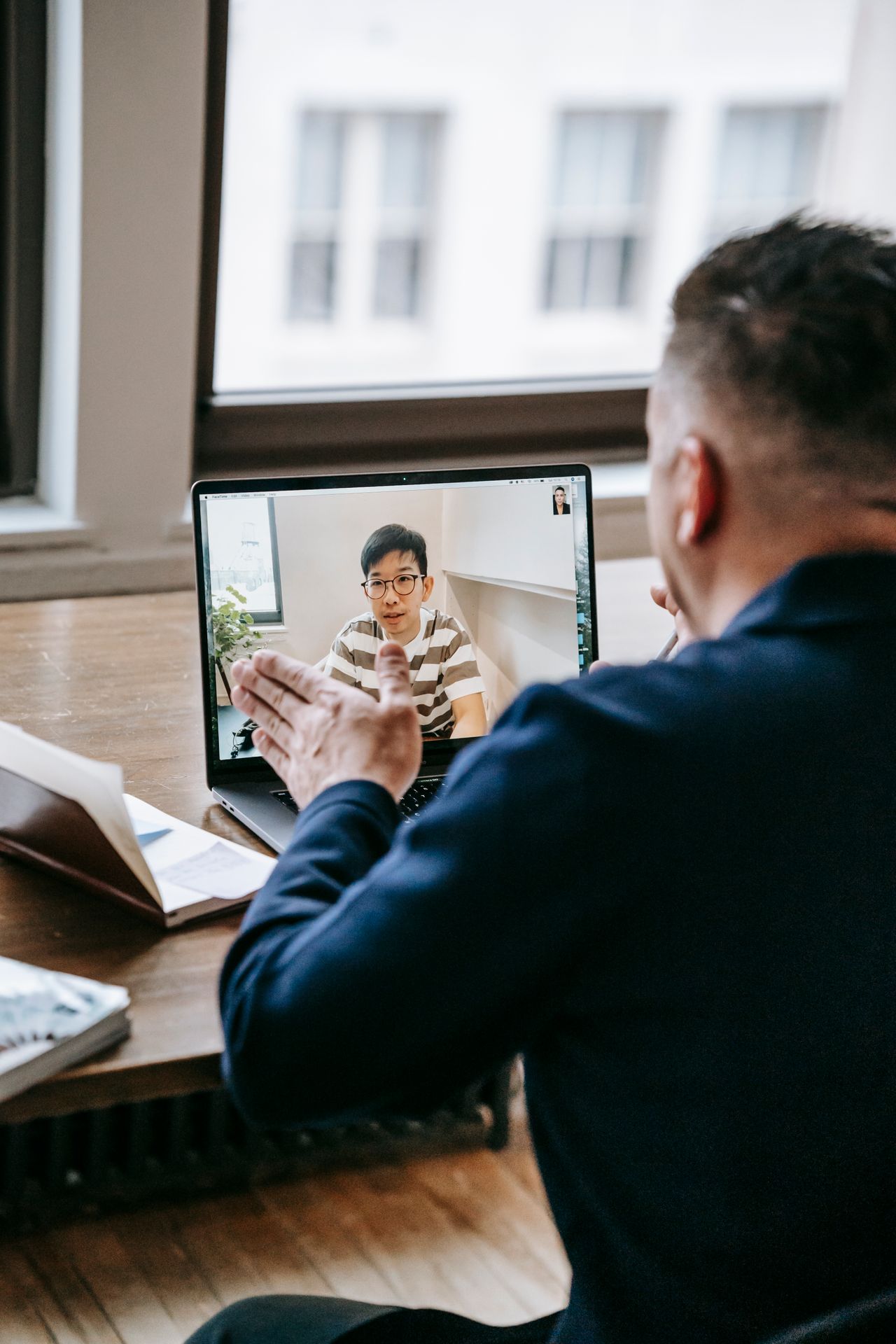
Teletherapy is providing therapy through a live video connection, over the internet. You are provided the same treatment as you would in person, it’s just done through a computer! If you’ve ever used Skype on your computer or FaceTime on your iPhone, you’ve used the same type of technology. During therapy sessions, the client and therapist can see, hear, and interact with one another in real time, using webcams, headsets, or mobile devices.
Teletherapy FAQs
What is Teletherapy?
Teletherapy is the use of video and audio technologies to support long-distance services between therapists and their clients. It eliminates travel time, provides greater privacy, and allows you to attend sessions in a comfortable, familiar environment.
How Does This Work?
Prior to your meeting you will receive an email with your scheduled date and time. The email will also include a link for your online Teletherapy session. Clicking on this link will get you started and ready for your meeting.
What is Zoom?
Zoom is a web-based video conferencing tool with a desktop client and a mobile app that allows users to meet online, with or without video. Zoom is HIPAA compliant and secure. You can read more about their security and compliance here.
What Equipment Do I Need to Join a Session?
You’ll need the below to join a Teletherapy (online therapy) session with your provider:
- A computer, tablet, or phone (no applications or software to download).
- An external or integrated webcam.
- An external or integrated microphone.
- An internet connection with a bandwidth of at least 10 MBPS. We recommend an Ethernet cable over Wifi when possible to ensure you receive the best possible connection through your internet provider.
Shut down all background applications to ensure you receive the majority of your internet’s bandwidth, especially applications that use your camera.
Do I Need a Specific Internet Browser?
If you’re using a Desktop or Laptop, we recommend:
- Google Chrome
- Mozilla Firefox
- Safari
We recommend the below if you’re using a tablet or mobile phone:
- Android – Google Chrome
- iOS 11 or newer (iPhone or iPad) – Safari
How Do I Join A Session?
There are 4 ways to join a Zoom meeting:
- With the Zoom app on your desktop
- Through a link via your email invitation
- From the Zoom website
- Or via telephone dial-in
Note: The host will have to start the meeting first so you can join or the host enables ‘join before host’.
From the Zoom app:
- Open the Zoom app on your desktop, Start button, Zoom folder, start Zoom
- Click on Sign in
- On right side menu Select “Sign In with SSO”
- Enter your USQ username and password if prompted
- Click on Join and enter the Meeting ID (this is displayed in the email invitation)
- You can then choose whether to come into the meeting with your audio or video enabled or disabled
- You will receive an email invitation from the meeting host
- Click on the link in the email (join via PC, Mac, iOS or Android); and you will be taken to the meeting
From the Zoom website:
- Go to the zoom website (usq.zoom.us)
- Click on Zoom Account Sign On (SSO) button
- Sign in with your USQ username and password if prompted
- Click on the My Meetings tab
- Click on the Meeting link that you want to join
Telephone Dial In:
- You will receive an email from the meeting host
- It will display the Dial in number
To see more detailed instructions on how to join a meeting, go to the Zoom website.

About Us
Why choose a therapist at Abalance Client-Centered Counseling?
Our office is dedicated to providing the best mental health services to ALL people in our community regardless of income.
We have a team of professionals that are continually sharpening their skills as mental health providers and attend regular training from the Clinical Director. Having a competent and knowledgeable therapist is only part of it.
We are also a group of caring and compassionate people that strive to make your time with us a safe, comfortable and rewarding experience.
- Anxiety Disorders
- Depression Disorders
- Grief And Loss Issues
- Teletherapy is Available
Insurance Coverage at Abalance Counseling
Abalance Client-Centered Counseling accepts Health Plan Of San Joaquin and Central California Alliance Medi-Cal Insurances.
- We will confirm your eligibility before you start.
- There is no co-payment.
- We directly bill all sessions for you on a safe and encrypted system.
- This insurance allows weekly full-hour sessions in our offices.
- You will need to provide your ID Number on your insurance card.
- Your insurance must be ACTIVE.
- The client must inform our office right away if their insurance on file becomes inactive.
Abalance Client-Centered Counseling also accepts most Blue Cross Insurances.
- We will confirm your eligibility before you start.
- We will confirm your copay amount and bill a card on file.
- We directly bill all sessions for you on a safe and encrypted system.
- This insurance allows weekly full-hour sessions in our offices.
- You will need to provide your ID Number on your insurance card.
- Your insurance must be ACTIVE.
- Please inform our office right away if the insurance on file becomes terminated or inactive.
Frequently Asked Questions?
We have a team of professionals that are continually sharpening their skills as mental health providers and attend regular training from the Clinical Director. Having a competent and knowledgeable therapist is only part of it.
Are You Accepting New Clients?
Yes. Abalance Client-Centered Counseling is accepting new clients including kids age 12+. We offer Teletherapy Sessions and in-office visits.
Do I Need a Referral?
No. You can contact us directly and we will get your insurance eligibility established and schedule your first appointment. Your Health Plan may require an additional call to get a registration number after you have already established as a client in our office. We have a team here to help guide you through these things if you need assistance.
Do You Accept Insurance?
Yes, we currently accept HPSJ (Health Plan Of San Joaquin) and CCAH (Central California Alliance) MediCal Insurances. Abalance Client-Centered Counseling also accepts most Blue Cross Insurances. If you any questions, please contact our office directly for additional information.
For other insurances, we provide an out-of-network option for you to bill your insurance and get reimbursed for up to 80% of your therapy costs in our offices.
Do You Treat Substance Abuse?
No, we treat mild/moderate symptoms for a variety of issues, but not alcohol and drug issues. If you have an addiction or are seeking sobriety, we refer out to a professional that treats substance abuse.
What If I Can’t Attend Weekly Sessions?
Weekly sessions are the best care option for mental health outcomes, but we also provide an every other week option, or Teletherapy if you have a hectic schedule.
Services Areas
Providing Convenient And Effective Teletherapy
In The Central Valley And Coastal Region
Locations We Serve:
Our office is dedicated to providing the best mental health services to ALL people in our community regardless of income. We accept HPSJ and CCAH Medi-Cal and most Blue Cross Insurances.
- HPSJ Teletherapy | San Joaquin, Stanislaus, Alpine, and El Dorado Counties
- BLUE CROSS Teletherapy | California, Idaho
- CCAH Teletherapy | Mariposa, Merced, San Benito, Santa Cruz and Monterey Counties
- CCAH In-Person
840 W Olive Ave
Merced By Appointment Only